Manage Teams
Teams in Strata are designed to allow users to be grouped together so that they can access reports saved just for that team. To create a new team, you need to be assigned to the Administrator role.
Team Management is available from the Settings menu in the left hand side panel. Select the Teams section then:
On the screen that appears you will see an empty list if you have not created any teams yet. Now, press the New Team button
 Now simply give your team a name and press OK to create. You should see your new team in the list of teams
 Now lets assign some users to your new team. Click on the team's name to open it and edit members
 Pick from any of your users and add them to the team and save your changes
 [Note that you can also change which team(s) a single user is assigned to by opening the details for that user - see Creating new users]
Any of the users you assigned to that team can now choose to save new reports they create to that team. This is how the option will appear in their 'Save Report' dialog
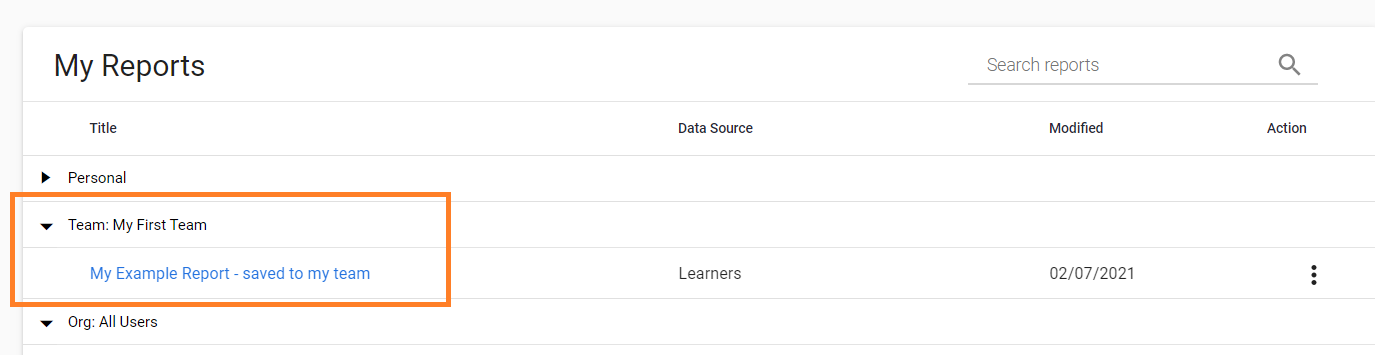
 This means that users can now save their reports to their own teams so that their teammates can also see them. They will appear in their 'My Reports' list like so: